KudoNovel, the browser app for writing novels with AI, today set out the design behind its editor: the simplest, cleanest page it could build, with colour-coded buttons right where the writer needs them, an editor writers shape to their own habits, a story Bible they brainstorm with like a friend, and an undo that keeps every path.
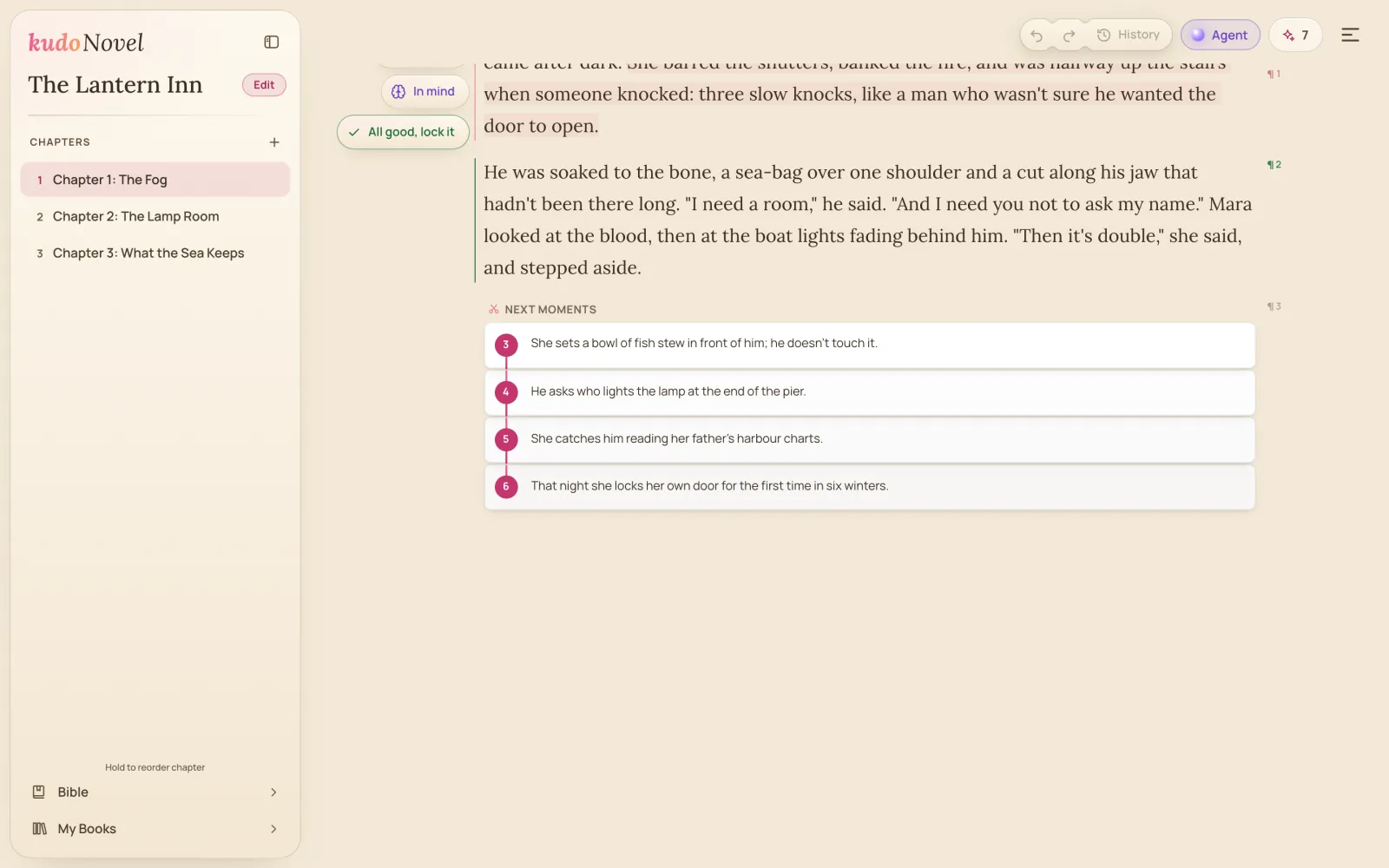
AI writing tools tend to add a panel with every feature, until the story is the smallest thing on screen. KudoNovel went the other way. The page is the whole screen, and only the paragraph being written shows its tools, each colour-coded so a new writer knows what it does within seconds.
The best design is the one you can’t see. Writers should see their story, and find the button they need exactly where their eyes already are.
An editor that fits the writer
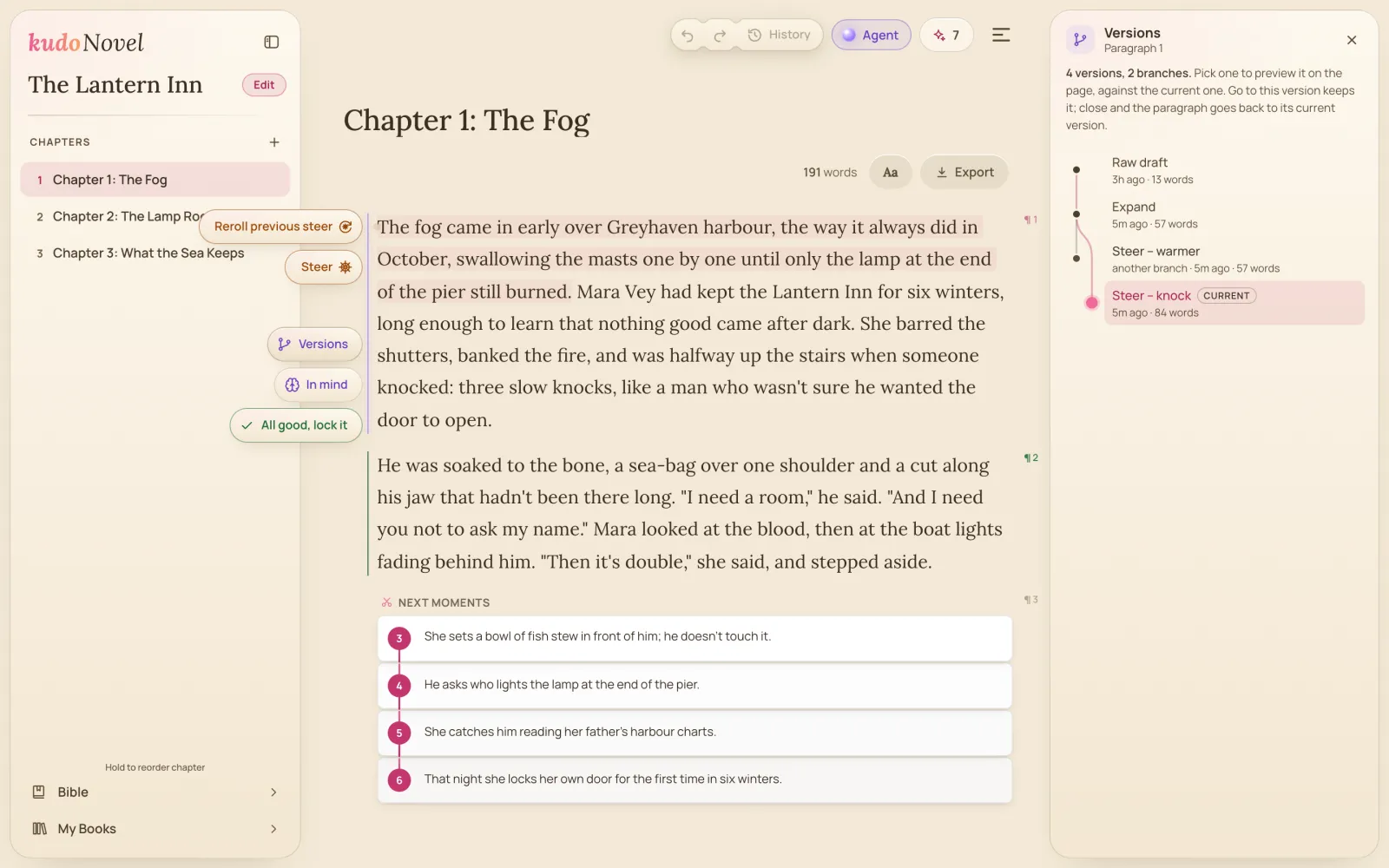
Steer edits a paragraph, or just the part the writer highlights, from a one-line instruction. Its quick buttons make common edits one tap, and with Customize writers turn their own instructions into up to five buttons of their own, saved to the account for every book.
Brainstorm like talking to a friend
The story Bible keeps itself up to date as the book grows. Its Ask is a plain chat: it answers questions about the book, offers ideas that fit what is written, and brainstorms when the writer talks the story through, turning what they decide into Bible changes they confirm one by one.
Undo, done right
Going back never deletes: a new idea after an undo starts a branch, and the old path stays a click away. Each paragraph keeps a map of its versions, and the chapter a history of every step, saved to the writer’s account. Free.
Availability
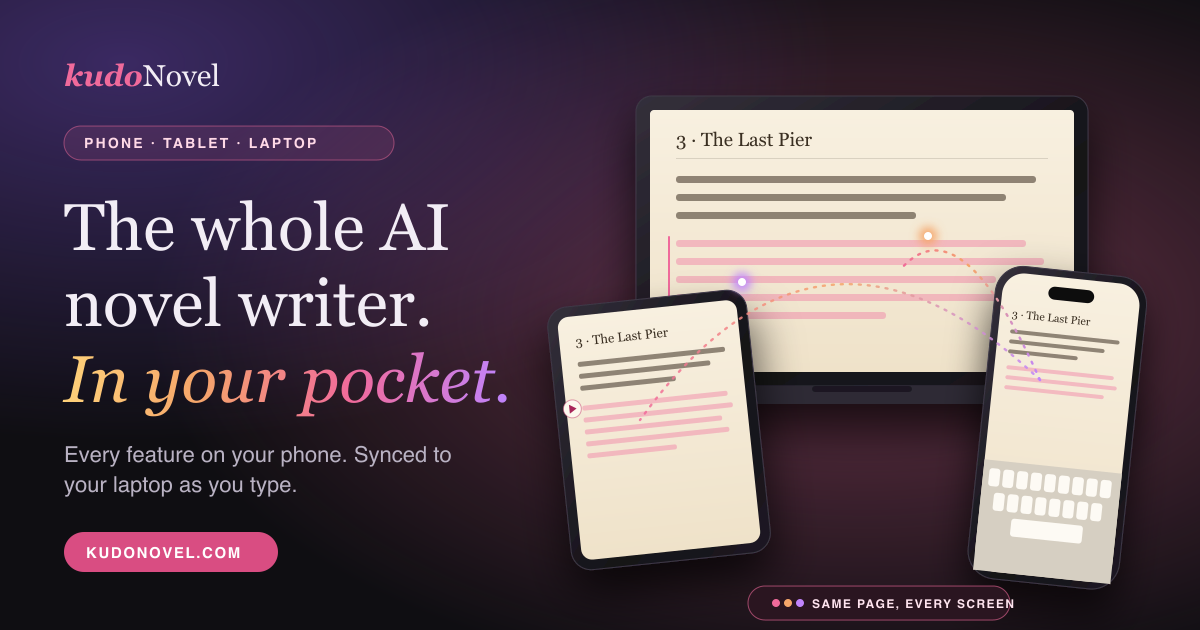
Everything here is available today at kudonovel.com, on a phone, a tablet or a computer, in all 22 of the app’s languages. More in Features.